

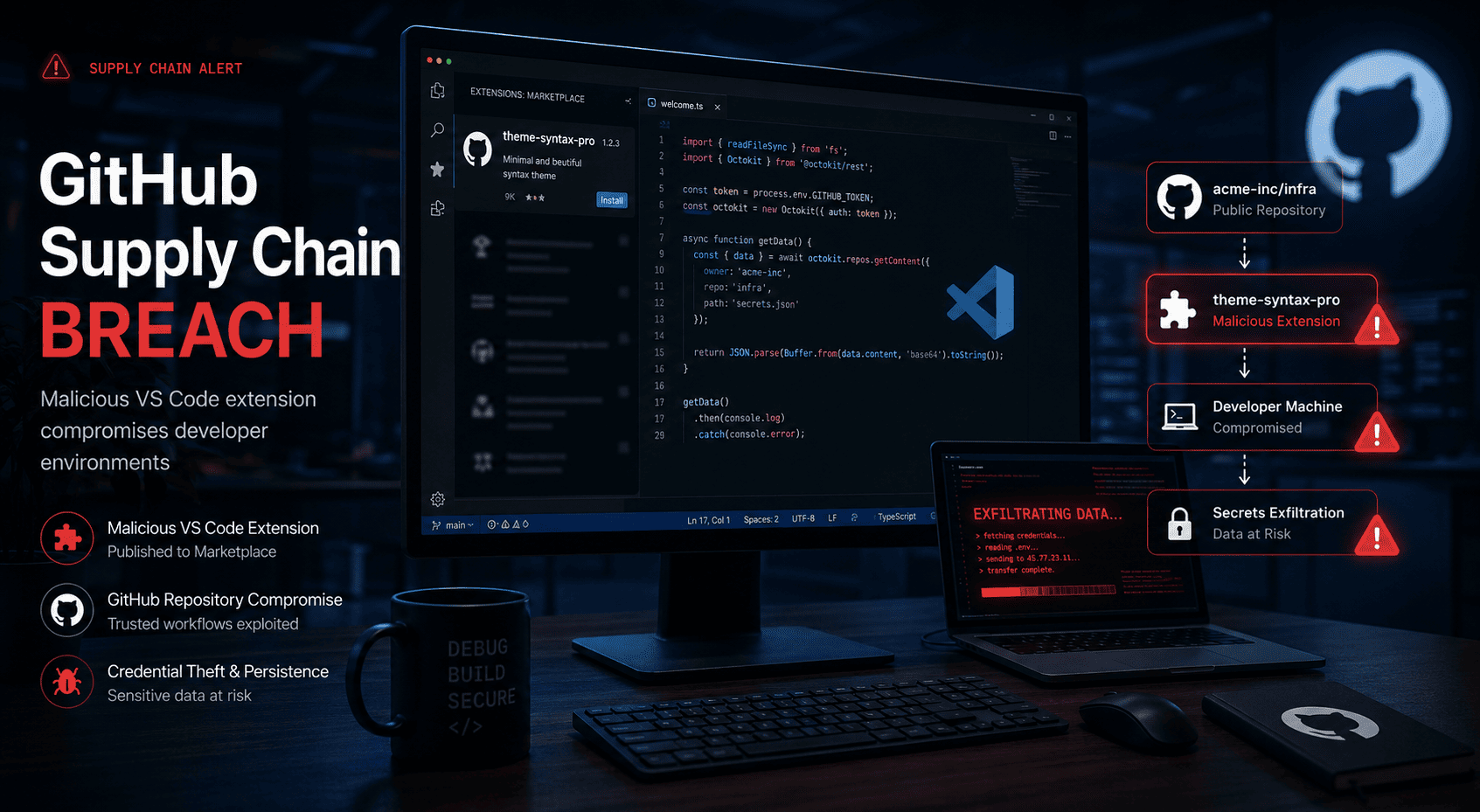
GitHub’s confirmation that roughly 3,800 repositories were impacted via a malicious Visual Studio Code extension is not just another security headline. It is a clear example of a software supply-chain attack hitting the place many teams trust most: the developer workflow.
The uncomfortable truth is that modern engineering environments are stitched together from editors, extensions, CI pipelines, package registries, OAuth permissions, and cloud credentials. If one piece is compromised, the blast radius can extend far beyond a single laptop. This incident matters because it shows how easily convenience can become exposure.
When attackers target the tools developers use every day, they are not attacking one machine. They are attacking the path to your source code, secrets, and release pipeline.
— Elaitech
What happened in the GitHub breach
According to reporting around the incident, GitHub confirmed a breach affecting thousands of repositories through a malicious VS Code extension. The core issue was not GitHub itself being broadly broken in the traditional sense. The attack path ran through a trusted developer tool that gained access to repository data.
That distinction matters. Security teams often focus on perimeter controls, repository permissions, and production infrastructure. But a poisoned extension can sit inside a developer’s normal workflow, inheriting trust and access with very little friction.
In practical terms, this kind of attack can expose:
- Source code from private repositories
- Embedded secrets or tokens accidentally committed
- Internal project structure and architecture details
- Potential paths into CI/CD systems and deployment workflows
The real risk is toolchain trust
If your response to this news is only to rotate a GitHub password, you are probably solving the smallest part of the problem. You also need to review extension trust, token scope, local credential storage, and developer endpoint controls.
Why malicious extensions are so dangerous
Why teams trust extensions
- They improve speed and convenience
- They feel local and harmless
- They are often installed without formal review
- They inherit credibility from popular marketplaces
Why attackers love extensions
- They execute inside normal developer activity
- They can request broad permissions
- They may access source files, terminals, and tokens
- They are rarely monitored like production systems
A malicious IDE extension can act as a quiet bridge between a developer’s machine and an attacker’s infrastructure. That makes it especially effective in organizations where local environments are loosely governed. If developers can freely install extensions, authenticate to multiple services, and access private repositories from unmanaged devices, the extension becomes an ideal collection point.
This is why supply-chain security is not only about dependencies in package.json or composer.json. It also includes the tools used to write, inspect, test, and ship code.
What engineering teams should do now
For most companies, the immediate goal is containment and validation. Start by identifying whether affected extensions were installed anywhere in your environment. Then assume repository exposure is possible until proven otherwise.
- Audit developer machines for the extension and related artifacts.
- Review GitHub access logs and unusual repository activity.
- Rotate tokens and secrets that may have been accessible from compromised environments.
- Check CI/CD credentials and deployment keys for overbroad permissions.
- Scan repositories for committed secrets and sensitive configuration.
- Tighten extension policies with approved allowlists where possible.
A better security baseline
Use this incident to classify developer endpoints as production-adjacent systems. They may not host customer traffic, but they often hold the credentials and code that make production possible.
The strategic lesson: secure the workflow
The most useful takeaway from this breach is that security architecture must follow how software is actually built. That means hardening not only GitHub, but also editors, plugins, laptops, tokens, CI runners, and secret handling practices.
Teams with strong branch protection can still be exposed by weak local environments. Teams with SSO can still be exposed by overprivileged tokens. Teams with secure cloud infrastructure can still be exposed by a compromised extension sitting in a code editor.
The companies that handle incidents like this well are usually the ones that already treat engineering workflow as a first-class security boundary.
Need a practical security review?
If you want help reviewing your developer workflow, repository permissions, and supply-chain security posture, we can help.
Talk to Elaitech